
It is Monday morning at Fjordvik Gruppen AS. The managing director has one question for the IT lead: “Do we actually have control over our information?”
It is a fair question. Fjordvik has 85 employees across three offices. They work with customers and suppliers, and Microsoft 365 has become the natural home for proposals, contracts, project files and HR documents. But when someone asks what is actually stored in SharePoint, who owns the information and what might be sensitive, the answers become less precise.
The IT lead could have started by blocking sharing. At least that would have looked decisive. But what if it also prevented a project manager from sending a legitimate proposal to a customer?
Fjordvik chooses a different starting point: find out what they have before deciding what to protect.
Before they can protect information, they need to understand it
The IT lead brings together the HR manager and a project manager. They choose a limited SharePoint area and review existing documents, who owns the information and who can actually access it. They restrict the review to information they have a legitimate work-related need to see.
The HR manager understands personal data and confidentiality requirements. The project manager understands the value of contracts and proposals. The IT lead understands how documents are stored, shared and secured. No single person has the complete picture.
Before Fjordvik can decide what to protect, they must agree on what the information means to the business.
A solid foundation, but not the whole building
Fjordvik uses Microsoft 365 Business Premium, which is a good starting point. It already includes several foundational Microsoft Purview information protection capabilities, including sensitivity labels and basic DLP.
But the team quickly discovers the difference between having tools to protect information and having tools to understand what information the organisation actually holds.
When they want to investigate where sensitive information resides and what the technology can identify across documents, they encounter licensing limits. Analysis experiences such as Content Explorer and Activity Explorer require more extensive licensing than Business Premium alone. A qualifying add-on licence or trial may become relevant when they are ready for a technical pilot.
That does not mean the work must stop. Fjordvik can map information, review access and use the capabilities they already have. They are now also better placed to judge whether advanced insight is worth paying for.
An information review they can start today
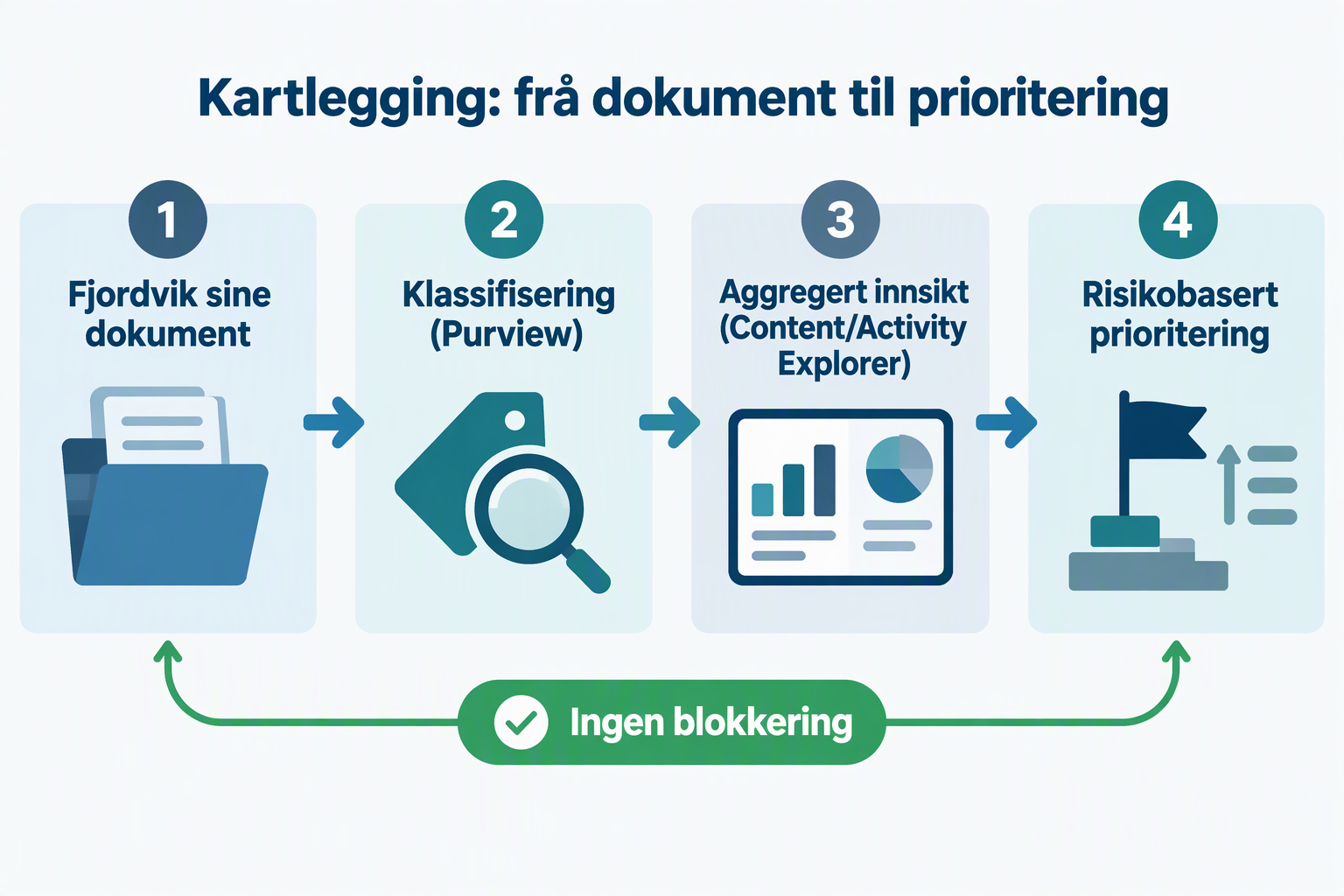
Fjordvik starts where its information already lives. Within the selected SharePoint area, the HR manager and project manager review relevant existing documents. They record what the documents contain, how they are used, who owns them and who needs access. The review stays within their existing responsibilities and permissions.
They discover unclear ownership and some access permissions that deserve closer scrutiny. They also agree on which categories of information matter to the business. The result is a manual inventory, not an automated Purview analysis.
Once Fjordvik has the appropriate licences and roles, it can compare its findings with what Content Explorer (classic) or Data explorer displays. These experiences have different prerequisites. And an absence of results on day one is not conclusive: Microsoft documents that SharePoint content can, in some circumstances, take up to 14 days to appear in Content Explorer.
Activity Explorer can later show activities involving labels and DLP, among other things, with a 30-day history. Since Fjordvik has not yet put those controls into active use in this pilot, that is not where the team begins.
When the need for deeper insight emerges
After the initial review, the managing director asks: “Do we really have to do this manually for every document?”
It is a natural question. The manual inventory has given Fjordvik a better understanding of its information assets, but it does not scale well. The business now has a concrete reason to consider more advanced Purview capabilities.
A technical pilot can use a separate test area with synthetic documents. With the right licences and roles, the team can investigate what classification recognises and what it misses, without experimenting on real personal data.
A match is not the same as a problem
A national identity number in an HR folder may be entirely legitimate. The same number in a project folder with broad access could warrant further investigation.
At the same time, a contract template containing pricing strategies and commercial terms may be highly valuable to Fjordvik without containing a single national identity number.
Purview can recognise specific patterns and information types. But a technical match does not automatically mean something is wrong. And a lack of matches does not mean the information is harmless.
This is an illustrative example, not a result from a real Purview tenant.
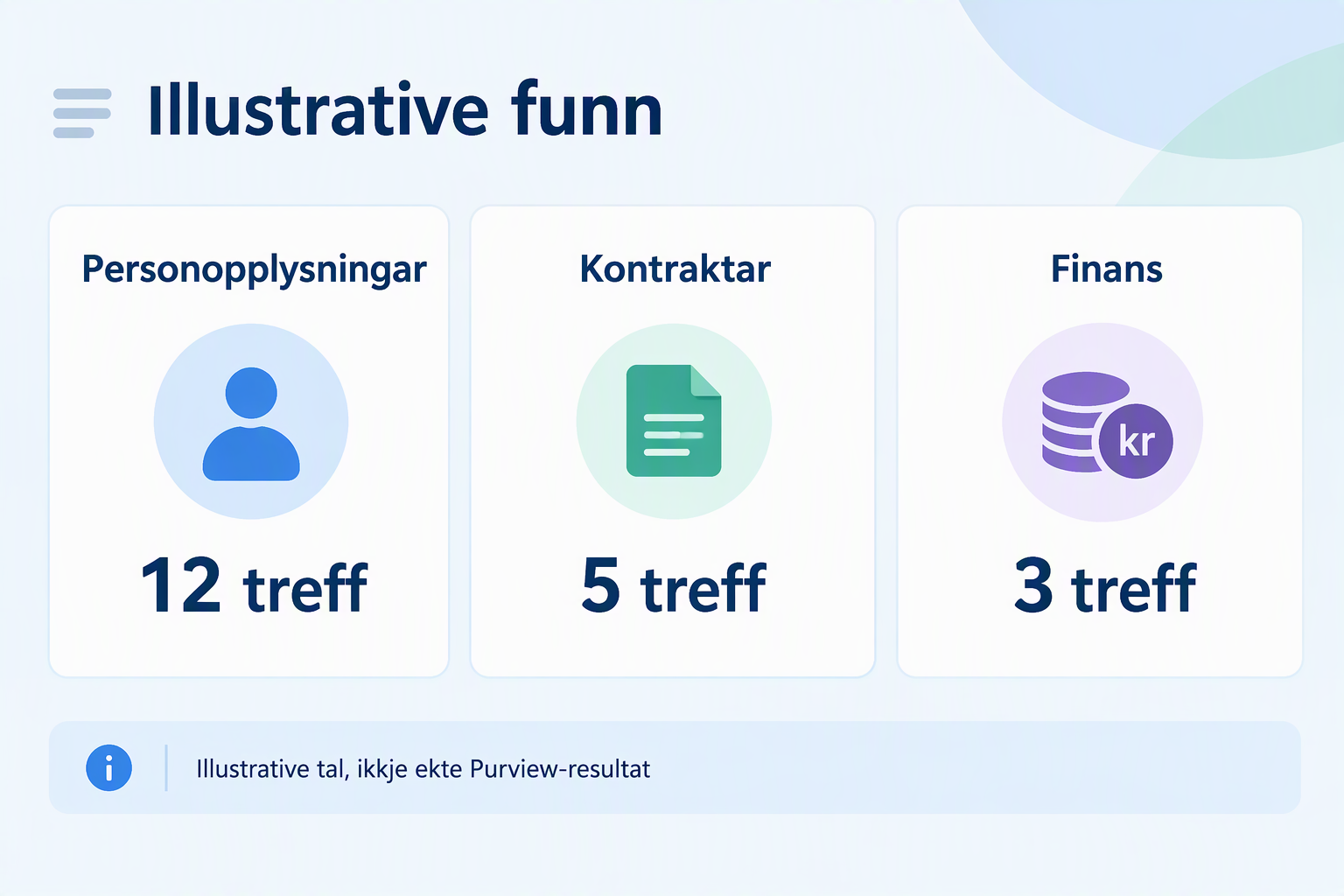
For Fjordvik, this is an important realisation. It needs more than a system that finds sensitive information. It also needs to teach the system what information is genuinely important to the business. That becomes Fjordvik’s next challenge.
What has Fjordvik achieved?
The team has not blocked sharing, classified every document or proved GDPR compliance. But it has mapped a real information area, involved the right information owners and identified both valuable assets and blind spots.
It has also learned that Business Premium is a good foundation, while more systematic analysis may require additional licensing. Fjordvik can now evaluate a specific trial and a limited technical pilot rather than buying capabilities without understanding the problem they are meant to solve.
In the next part: When Purview does not understand what matters
Fjordvik has a better picture of its information, but one challenge remains.
A contract containing important pricing terms may be far more business-critical than a document containing a national identity number. Yet Purview may not recognise the contract as sensitive.
So how do you teach the technology to recognise information that matters to your particular organisation?
In the next part, we follow Fjordvik from manual discovery to more targeted classification and explore what it takes for Purview to recognise more than standardised patterns.
Honestly
I still believe Microsoft 365 Business Premium is an excellent licence for many Norwegian organisations. It delivers substantial security and functionality for the money, including information protection.
But once you begin working systematically with your information, you may discover fairly quickly that your ambitions outgrow the licence. That is not an argument for buying E5 for everyone. It is an argument for understanding your needs before choosing a solution.
Start with the information you already have. Find out who owns it, who has access and what matters to the business. Use the capabilities you already pay for, and test more advanced technology when you know what you want to achieve.
Business Premium can provide a strong foundation. But only when you understand your information can you know what the rest of the building actually needs.
I think many organisations make this harder than necessary. They imagine a huge Purview project involving extensive classification, complex rules and the risk of disrupting everyday work.
But you do not have to start there.
Start with a limited workspace, an information owner and a question worth answering. Check licences and access before proceeding. Use synthetic data to learn how the solution behaves. And be just as interested in what Purview does not find as in what it finds.
Because understanding your information is what enables good decisions about how to protect it.